

-
Step-by-Step Guide for AWS Kafka and Kinesis Integration
The post outlines a data processing pipeline using AWS services, including Kafka, Lambda, SQS, and Kinesis. Producers send messages to Kafka, which are consumed by a Lambda function that forwards them to SQS. An SQS Poller Lambda processes these messages and streams them to Kinesis for real-time analytics, with suggestions… Read More ⇢

-
How to Configure Databricks Clusters for Optimal Performance
Databricks is a data analytics platform that facilitates big data processing and machine learning through optimized cluster configurations. This blog outlines essential components of clusters—nodes, cores, RAM, and storage—while providing guidance on selecting the right configuration based on workload type, including autoscaling and typical production setups to enhance performance. Read More ⇢

-
How to Clone and Edit Notebooks Efficiently in Databricks
This post explains how to clone a notebook and replace a name within it in Databricks. To clone, open the notebook, click the ellipsis, select Clone, and provide a new name. To replace text, use the Find and Replace feature by pressing Ctrl + H, entering the text, and selecting… Read More ⇢

-
Viewing Files in Databricks: Local vs DBFS Guide
In Databricks, you can view local files on the driver node and DBFS files through several methods. For local files, use %sh magic commands or Python file I/O. For DBFS, commands like %fs and Databricks Utilities are effective. Spark enables reading Parquet or CSV files. The UI offers a visual… Read More ⇢

-
Retrieve Table Columns with Specific Keywords in PySpark SQL
The content outlines a process using PySpark SQL to identify columns with the keyword “id” in three specified tables: EMP1, DEPT1, and ALLOWANCE1. A Python script retrieves and filters these columns, creating a DataFrame that displays the tables along with their respective matching columns for easy viewing within a database… Read More ⇢

-
25 Key Generative AI (GenAI) Terms Explained Simply
GenAI is changing the game in industries like healthcare and content creation. Check out our guide to 25 must-know terms that explain its influence! Read More ⇢

-
Top 10 In-Demand IT Skills for 2025
The rapid advancement of technology has heightened the demand for skilled IT professionals. By 2025, key skills in demand will include Artificial Intelligence, Cybersecurity, Cloud Computing, Data Science, Blockchain, DevOps, IoT, AR/VR, Quantum Computing, and essential soft skills. Staying current with these competencies is crucial for career competitiveness. Read More ⇢

-
Calculate Match Percentage in PySpark SQL
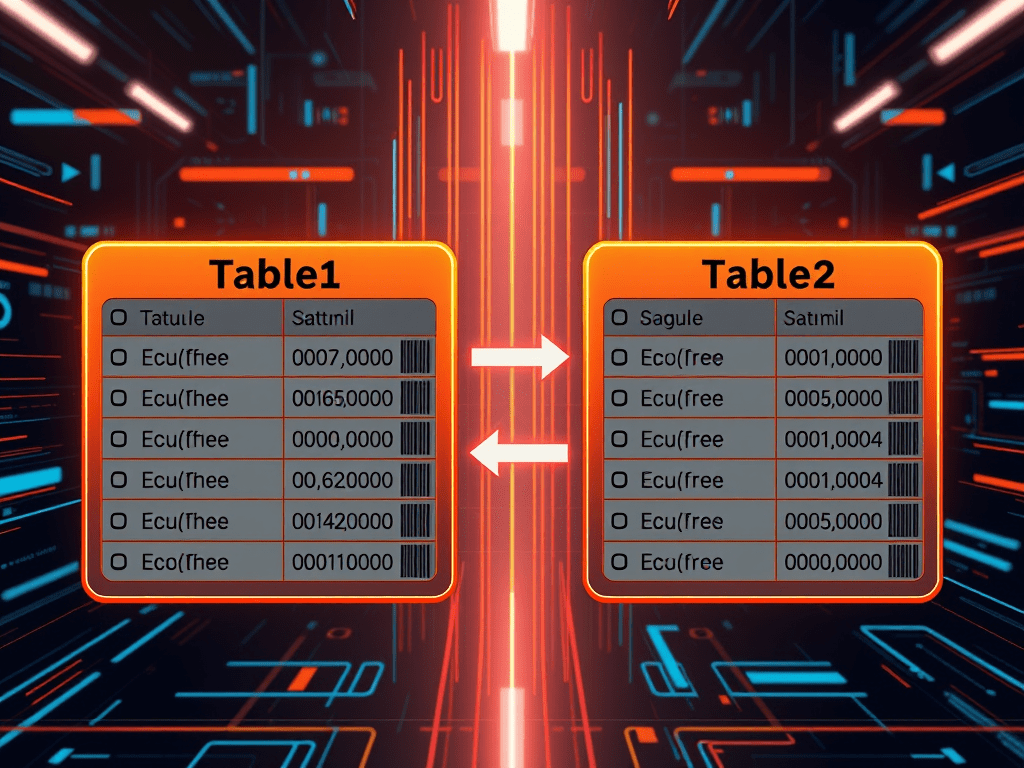
The provided PySpark SQL query calculates the match percentage of a specific column (s_code) between two tables, Table1 and Table2. It uses Common Table Expressions (CTEs) to extract unique values, count matches, and compute the percentage based on total unique entries. The resulting output reflects the matching statistics. Read More ⇢
-
Celebrate 15 Years with Us!
We are excited to celebrate 15 years of delivering quality content and exceptional service! We invite you to join the celebration by liking and sharing our site. Your support has been invaluable, and we look forward to many more years of success together. Thank you for being part of our… Read More ⇢

 Srinimf